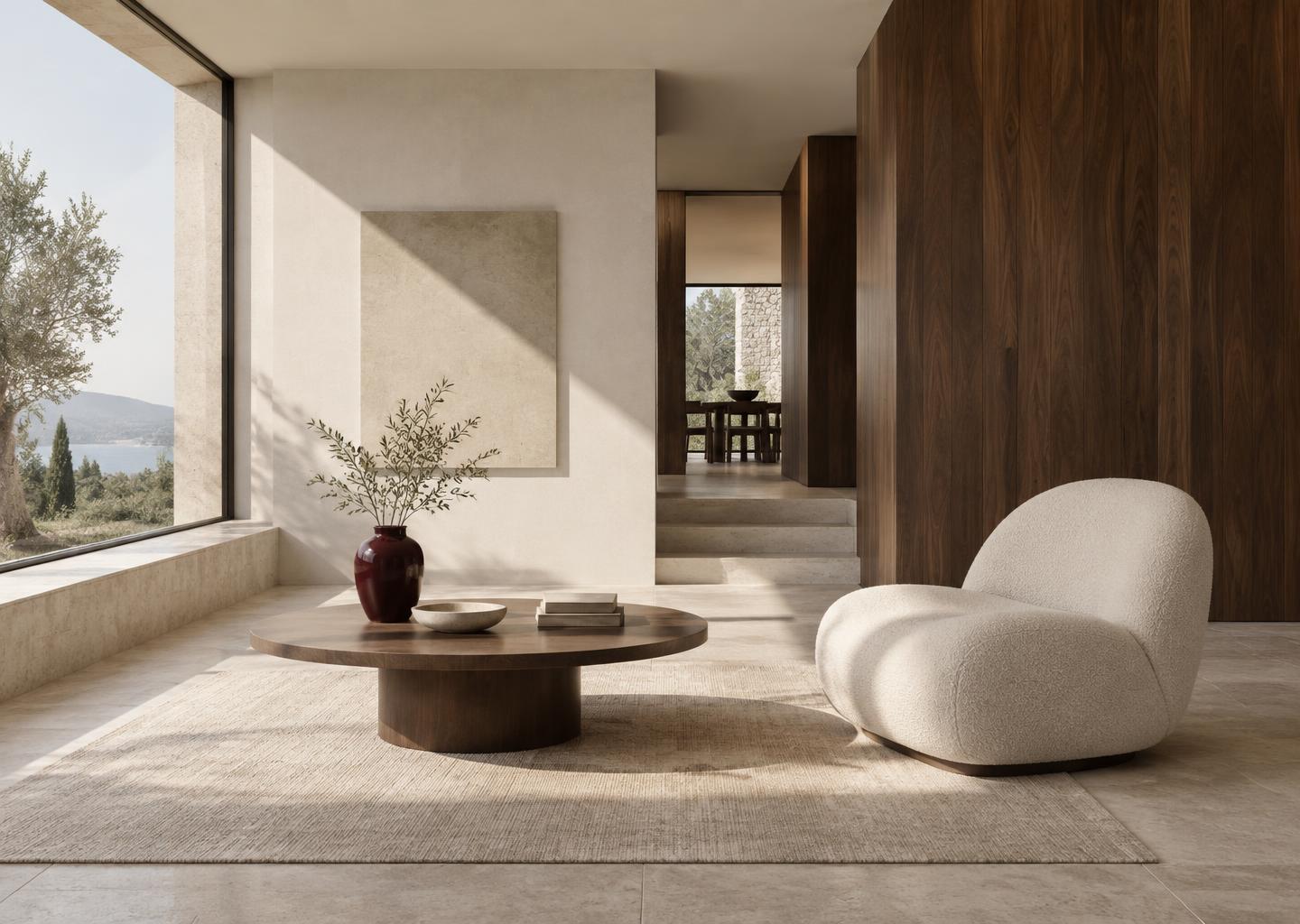
Early access is open for ArchitectOS & InteriorDesignOS
Notion templates for design studios

Run your studio
like you design.

Two connected Notion systems — ArchitectOS and InteriorDesignOS — for projects, drawings, selections, clients, and studio knowledge. Less admin. More design.

  • Built entirely in Notion
  • Made for architecture & interiors
  • Duplicate in one click
  • Adapts to your process

Illustrative workspace & photography · sample projects

Residential✦Commercial✦Hospitality✦Cultural✦Workplace✦Retail✦Adaptive reuse✦Landscape✦Furniture design✦Students & graduates✦

01 / The problem

Your practice is spread across fourteen tabs.

Email, spreadsheets, shared drives, chat, sticky notes. The design is clear — the information around it isn’t.

01

Drawings live in email threads

Which revision did the client approve? The answer is buried in a reply-all from three weeks ago.

02

Specs sprawl across spreadsheets

Finishes, fixtures, and furniture split across files that never quite agree with each other.

03

Decisions get lost after meetings

Notes are taken, then forgotten. The same question returns at the next site visit.

04

Studio knowledge leaves with people

Details, precedents, and lessons learned sit in personal folders instead of a shared library.

One connected workspace. Every project, drawing, and decision linked.

See the systems

02 / The collection

Two disciplines.
Two dedicated systems.

Each template is shaped around how its discipline actually works — not a generic project tracker with a new cover image.

Sculptural contemporary stone architectureA—01 / Architecture
ArchitectOS / Overview
⌂

Your practice, in perspective.

Good morning. Let’s make room for good design.

Active projects03
Open drawings18
This week07
Project overviewAll projects
Project nameStageType
Courtyard houseDetail designResidential
Northbank studioConceptCommercial
Gallery extensionDocumentationCultural

ArchitectOS

Coming soon

From first sketch to site visit. A studio system for buildings, work stages, drawing registers, and the decisions in between.

  • Studio dashboard
  • Projects by work stage
  • Drawing register
  • Meetings & decisions
  • Studio library
Get early access
A composed limestone and walnut interiorI—01 / Interior design
InteriorDesignOS / Overview
◒

A space for your studio.

Good morning. Let’s make room for good design.

Active projects03
Selections24
This week07
Project overviewAll projects
Project nameStageType
The West End residenceSourcingResidential
Studio 04ConceptCommercial
The quiet roomDetail designResidential

InteriorDesignOS

Coming soon

From moodboard to install. A studio system for rooms, selections, procurement, and client approvals.

  • Studio dashboard
  • Projects & phases
  • FF&E & materials schedule
  • Client approvals
  • Inspiration & moodboards
Get early access

03 / Take the tour

Every part of the practice.
Connected in one place.

ArchitectOS / Studio dashboard
⌂

Studio dashboard

One calm home screen for live projects, this week’s deadlines, and the decisions waiting on you.

Active projects05
Sheets in progress23
Decisions open04

This week

MonStage 3 design review — Courtyard house
WedIssue planning set — Gallery extension
FriSite visit — Northbank studio

Illustrative preview · sample projects

04 / How it works

Set up in an afternoon.
Grow with your studio.

  1. 01

    Choose your system

    Pick ArchitectOS, InteriorDesignOS, or the studio bundle for both disciplines.

  2. 02

    Duplicate into Notion

    Open the template link and duplicate it into your own workspace in one click.

  3. 03

    Add your first project

    Start with one live project. Let real work show you what to customise next.

05 / Compare

Which system is yours?

Shared foundations, discipline-specific tools. Running both? The Studio Bundle connects them.

ModuleArchitectOSInteriorDesignOS
Studio dashboard
Project trackingBy work stageBy phase & room
Client & contact directory
Meeting & decision log
Drawing & revision register
Precedent & detail library
FF&E and materials schedule
Client approval tracker
Moodboards & inspiration

Proposed scope · final inclusions confirmed at launch

06 / Pricing

One purchase. Yours to keep.

Launch pricing will be announced to the early-access list first.

ArchitectOS

For architects and architectural studios

SoonLaunch price TBA

  • Studio dashboard
  • Projects by work stage
  • Drawing register
  • Meetings & decisions
  • Studio library
Join early access

InteriorDesignOS

For interior designers and decorators

SoonLaunch price TBA

  • Studio dashboard
  • Projects & phases
  • FF&E & materials schedule
  • Client approvals
  • Inspiration & moodboards
Join early access

07 / The reading room

Free resources for
Notion-powered studios.

Guides, workflows, and notes on running a considered design practice in Notion — whether or not you use our templates.

08 / Questions

Good questions.
Clear answers.

Something else? Email us.

Early access

Make room for
your best work.

Be first to know when ArchitectOS and InteriorDesignOS launch — plus new guides from the reading room.

Which template interests you?

Opens your email app. No spam — just launch news.